Most websites receive visitors every day. But here’s the real question: do you know what those visitors are actually doing once they arrive? Are they reading your content, abandoning your forms, clicking your ads, or making a purchase?
Without the right data, marketing decisions are often based on assumptions. That’s exactly why Google introduced Google Analytics 4 (GA4). More than just a website analytics tool, GA4 helps businesses and marketers understand user behaviour across websites and apps, making it easier to improve campaigns, customer experiences, and business outcomes.
If you’re new to analytics, this Google Analytics 4 tutorial will help you understand the fundamentals, why GA4 matters, and how learning it can strengthen your digital marketing skills.
What Is Google Analytics 4?
Google Analytics 4, commonly known as GA4, is Google’s latest analytics platform. It allows businesses to track how users interact with their websites and mobile applications by collecting valuable data about user behaviour, engagement, traffic sources, and conversions.
Unlike its predecessor, Universal Analytics, GA4 focuses on an event-based tracking model. Instead of simply recording page views, it tracks almost every meaningful interaction users have with your website.
These interactions include:
- Page views
- Button clicks
- Video plays
- Form submissions
- File downloads
- Scroll depth
- Purchases
- App engagement
This approach delivers a much clearer picture of the consumer journey from the first visit to the final conversion.
Why Was GA4 Introduced?
Consumer behaviour has changed greatly over the past few years.
People no longer interact with businesses through a single website. They discover brands through social media, search engines, YouTube, emails, mobile apps, and multiple devices before making a decision.
Traditional analytics struggled to connect these interactions.
GA4 was designed to provide a more complete understanding of user behaviour by combining website and app data while placing greater emphasis on privacy, machine learning, and predictive insights.
What most beginners don’t realise is that GA4 isn’t simply an updated version of Google Analytics. It’s a completely new way of analysing digital marketing performance.
How Google Analytics 4 Works
The biggest difference between Universal Analytics and GA4 is the way data is collected.
Instead of relying primarily on sessions and page views, GA4 records events.
Think of every action a visitor performs as an event.
For example:
- Landing on a webpage
- Clicking a CTA button
- Watching a video
- Downloading an eBook
- Adding a product to the cart
- Completing a purchase
Each event provides useful information that helps marketers understand how users interact with a website.
This event-based model gives businesses much deeper insights into customer behaviour.
Key Features of Google Analytics 4
Event-Based Tracking
Every meaningful interaction can be tracked as an event.
This flexibility allows marketers to measure exactly what matters instead of relying only on page visits.
Cross-Platform Measurement
Many users switch between mobile phones, tablets, and desktops before making a purchase.
GA4 combines these interactions to create a more complete customer journey.
Enhanced Measurement
One of the most useful features for beginners is Enhanced Measurement.
Without writing additional code, GA4 can automatically track:
- Scrolls
- Outbound clicks
- Site searches
- Video engagement
- File downloads
This saves both time and effort during setup.
Predictive Insights
Here’s where things get interesting.
GA4 uses device learning to predict future customer behaviour.
Depending on the available data, it can estimate metrics such as:
- Purchase probability
- Revenue prediction
- Customer churn likelihood
These insights help businesses make smarter marketing decisions.
Privacy-Focused Tracking
With increasing concerns around user privacy and changing browser policies, GA4 is designed to collect data while supporting modern privacy standards.
This makes it a future-ready analytics platform.
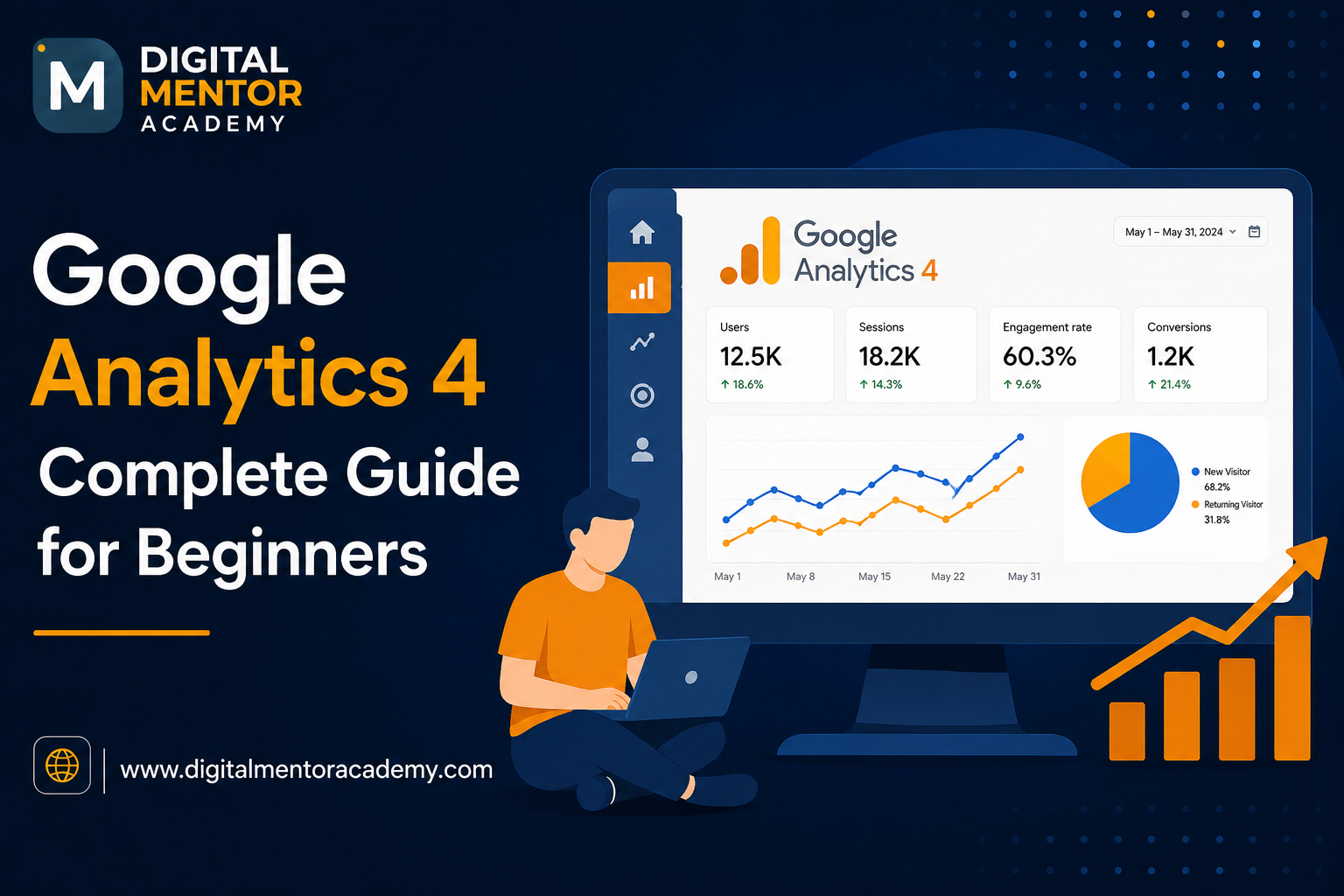
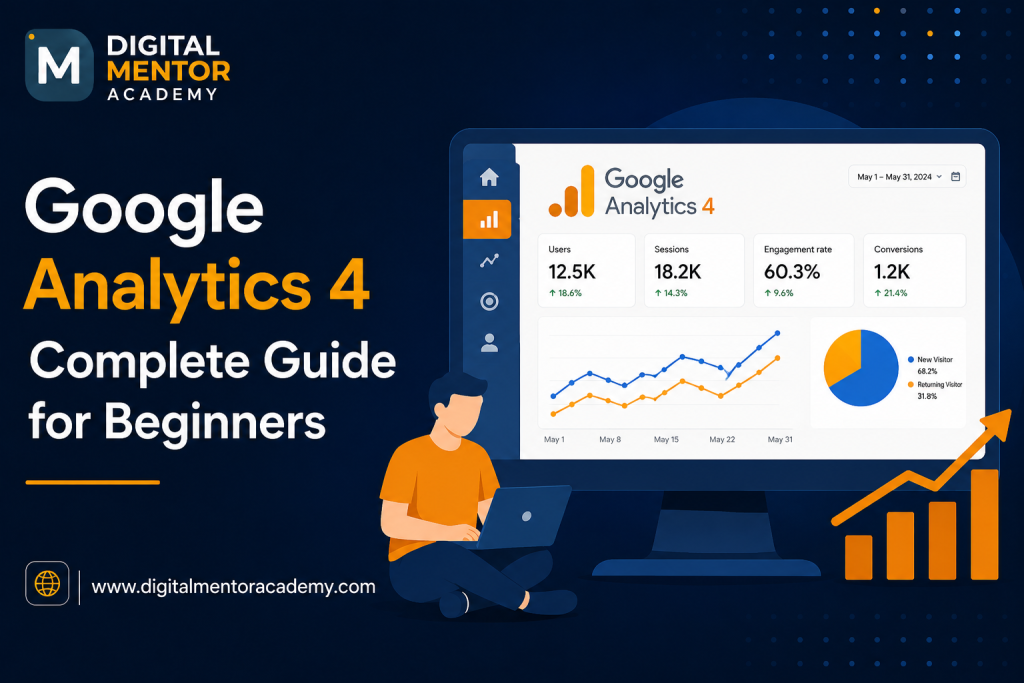
Important Metrics Every Beginner Should Understand
When you first open GA4, you’ll see numerous reports and dashboards. Instead of trying to understand everything at once, focus on these essential metrics.
Users
The total number of individuals visiting your website during a selected period.
Sessions
A session represents the time during which a user interacts with your website.
Engaged Sessions
GA4 introduces the concept of engagement instead of relying heavily on bounce rate.
An engaged session generally means users stayed longer, viewed multiple pages, or completed meaningful actions.
Engagement Rate
This measures the percentage of sessions where users actively interacted with your website.
Higher concentration often indicates that your content is relevant and useful.
Conversions
Conversions represent important business actions such as:
- Lead form submissions
- Course registrations
- Purchases
- Newsletter sign-ups
- Contact enquiries
Tracking modifications helps measure the effectiveness of your marketing campaigns.
Why Google Analytics Matters in Digital Marketing
Every marketing strategy depends on data.
Without analytics, marketers cannot confidently answer questions like:
- Which marketing channel generates the most leads?
- Which landing page performs best?
- Where do visitors leave the website?
- Which campaigns generate sales?
- What content keeps users engaged?
In our experience, businesses that regularly analyse their website data make faster improvements because they rely on evidence instead of guesswork.
Whether you’re running SEO campaigns, Google Ads, Meta Ads, email marketing, or content marketing, GA4 plays a central role in measuring performance.
Common Beginner Mistakes to Avoid
Learning GA4 becomes much easier when you know what to avoid.
Looking Only at Traffic
High website traffic doesn’t always mean success.
A smaller audience with better engagement and conversions is often more valuable than thousands of visitors who leave immediately.
Ignoring Conversion Tracking
Many beginners install GA4 but never configure conversions.
Without conversion tracking, it’s difficult to measure business results.
Focusing on Too Many Reports
GA4 offers extensive reporting options.
Start with the basics before exploring advanced reports.
Understand your audience, traffic sources, engagement, and conversions first.
Not Setting Clear Goals
Analytics becomes meaningful only when linked to business objectives.
Always define what success looks like before analysing reports.
Who Should Learn Google Analytics 4?
GA4 is valuable for almost anyone working in digital marketing.
It is especially useful for:
- Students beginning a digital marketing career
- SEO professionals
- Performance marketers
- Content marketers
- Website owners
- Entrepreneurs
- Freelancers
- Marketing managers
As businesses become increasingly data-driven, analytics skills are no longer optional. They are expected across many marketing roles.
How to Learn Google Analytics 4 Effectively
Watching a few videos can help you understand the basics, but practical implementation is where real learning begins.
A structured Google Analytics course should include:
- GA4 setup and configuration
- Event tracking
- Conversion tracking
- Traffic source analysis
- Campaign measurement
- Audience reporting
- Google Tag Manager basics
- Real-world case studies
- Live website projects
Working with actual business data helps you understand how analytics supports marketing decisions in real scenarios.
If you’re searching for a Google Analytics course, choose one that focuses on hands-on practice rather than theory alone. The ability to interpret reports, identify opportunities, and make data-backed recommendations is what employers and clients value the most.
Building a Career with Analytics Skills
Analytics has become one of the core skills every digital marketer should possess.
Whether you’re interested in SEO, paid advertising, social media marketing, content strategy, or marketing automation, understanding data allows you to optimise campaigns and demonstrate measurable results.
For learners looking to build these practical skills, enrolling in a digital marketing institute in Thane that offers live projects, industry mentorship, and hands-on GA4 training can provide a strong foundation. Learning directly through real campaigns and practical exercises makes the concepts far easier to apply in professional settings.
Conclusion
Google Analytics 4 has transformed the way businesses understand their audiences. By focusing on events, engagement, and actionable insights, marketers can get a more precise picture of what users do and how campaigns perform.
If you’re just starting your journey, this Google Analytics 4 tutorial is a great introduction to the platform. The next step is practising on real websites, experimenting with reports, and learning how to turn data into meaningful marketing decisions. As digital marketing continues to become more performance-driven, mastering GA4 will help you make smarter strategies, optimise campaigns, and build a valuable skill set for the future.